 207a3f3dd7
FEATURE Addition : MMR and Document Compressors |
||
|---|---|---|
| .. | ||
| bin | ||
| marketplaces | ||
| src | ||
| .env.example | ||
| README-ZH.md | ||
| README.md | ||
| babel.config.js | ||
| nodemon.json | ||
| package.json | ||
| tsconfig.json | ||
README.md
Flowise - Low-Code LLM apps builder
English | 中文
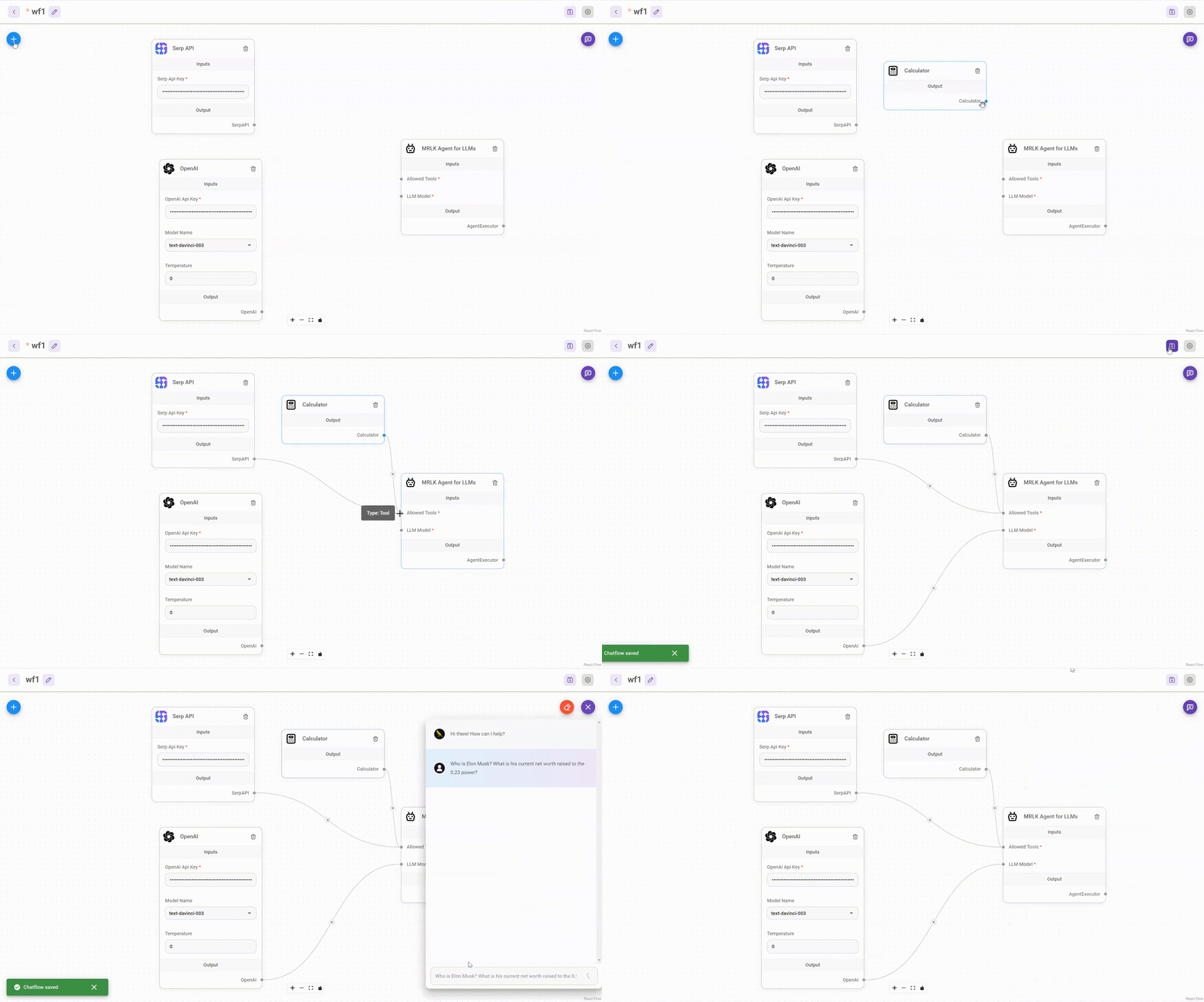
Drag & drop UI to build your customized LLM flow
⚡Quick Start
-
Install Flowise
npm install -g flowise -
Start Flowise
npx flowise start
🔒 Authentication
To enable app level authentication, add FLOWISE_USERNAME and FLOWISE_PASSWORD to the .env file:
FLOWISE_USERNAME=user
FLOWISE_PASSWORD=1234
🌱 Env Variables
Flowise support different environment variables to configure your instance. You can specify the following variables in the .env file inside packages/server folder. Read more
You can also specify the env variables when using npx. For example:
npx flowise start --PORT=3000 --DEBUG=true
📖 Documentation
🌐 Self Host
Railway

Render

AWS
Azure
DigitalOcean
GCP
💻 Cloud Hosted
Coming Soon
🙋 Support
Feel free to ask any questions, raise problems, and request new features in discussion
🙌 Contributing
See contributing guide. Reach out to us at Discord if you have any questions or issues.
📄 License
Source code in this repository is made available under the Apache License Version 2.0.